

Product · The XR engine for the web
 Engine
3D and VR experiences that open with a link.
Product configurators, virtual tours and multiplayer spaces, built visually and published in one click. They run in the browser, on phones and on VR headsets, with no app to install.
Free plan, forever. No credit card.
How it is made
One engine, three parts.
Creatives use the editor. Developers can work on the engine directly. Everyone shares the same code.
Editor
The visual studio in the browser: templates, an asset library, drag and drop into the scene, publishing with version history. In English and Italian.
Core
The WebXR engine, built on A-Frame: physics, vehicles, x-ray views, configurator options, spatial audio. It can also be used by hand, with one HTML tag.
Net
The multiplayer layer: shared rooms, avatars, voice and video. It also receives messages from outside systems, such as telemetry from machines and sensors.
Solutions
What you can deliver to your clients.
Product configurators
Colours, finishes and parts to choose on the 3D model. A link that keeps the choices, image download, embedding in the client’s website.
Virtual tours
360° photos, places to walk to, audio narration when visitors come close. For real estate, museums, showrooms and hospitality.
Meetings and events
Shared rooms with avatars, spatial voice, video and PDF presentations. People join from the link, even without an account.
Training and simulation
Interactive machinery with x-ray views and animations, physics, live data from sensors and plants.
How it works
From model to link in three steps.
Pick a template
Configurator, virtual tour, meeting room or an empty scene: lights, camera and interactions are ready.
Drop in your content
3D models, 360° photos, video, audio and PDF. Interactions are set from the panel, with no code.
Publish and share
A link and a QR code for your client. Every publish is a version you can restore.
Works on
- Chrome
- Safari
- Edge
- Android
- iPhone and iPad
- Meta Quest
- Apple Vision Pro
Examples
Examples to open now.
-
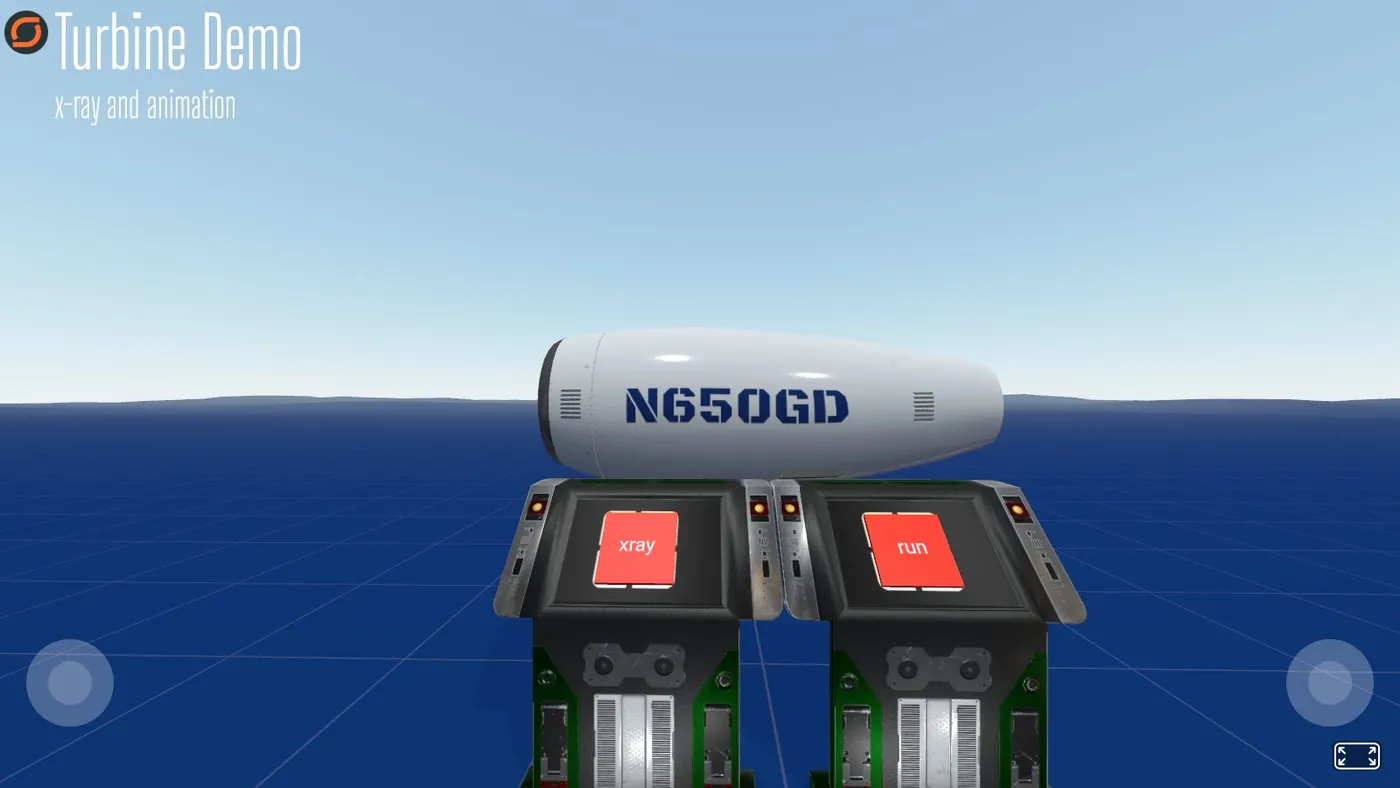
Turbine Demo
It opens in the browser, with nothing to install.
-
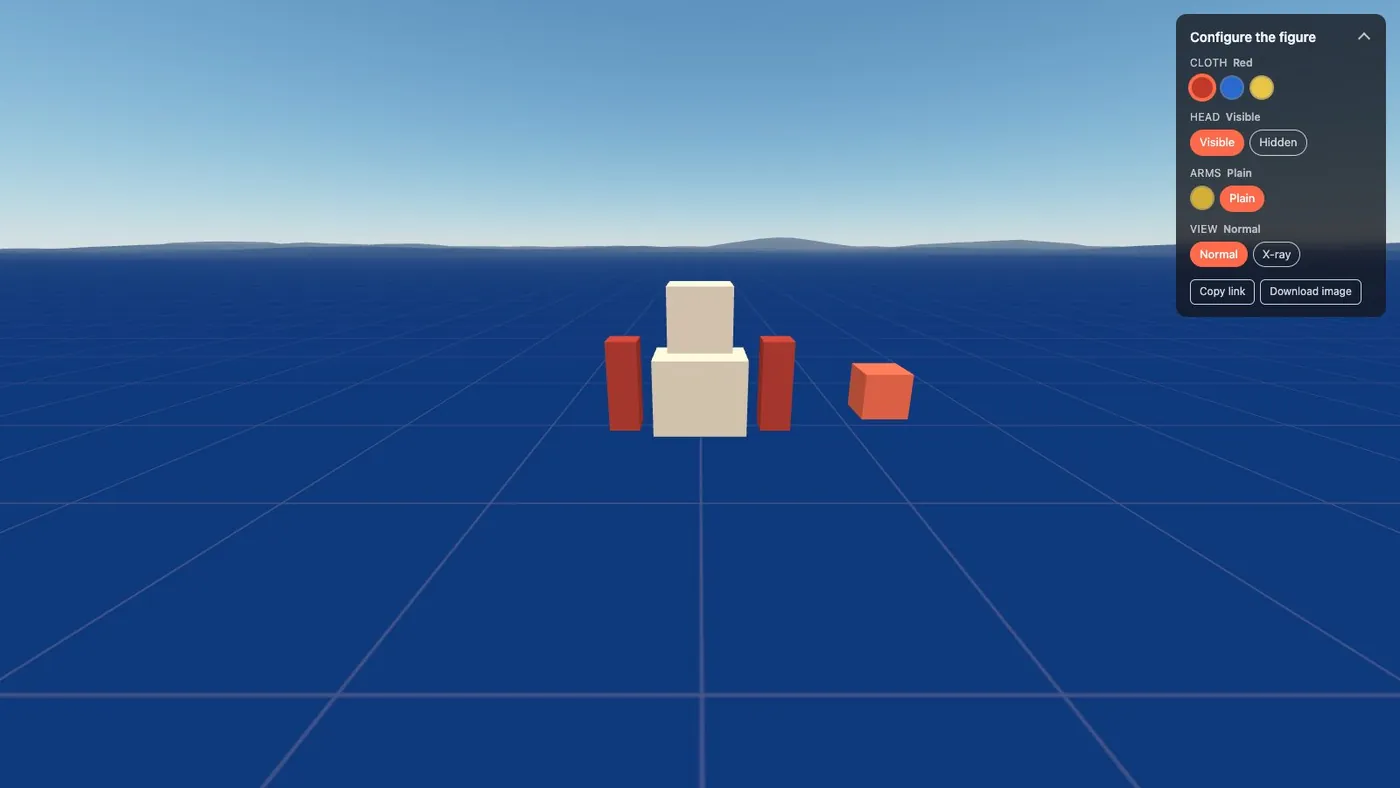
Configurator
It opens in the browser, with nothing to install.
For developers
Open to code, when you need it.
Scripts and A-Frame components inside the editor, an API with personal tokens, and an MCP server that lets AI assistants build and edit projects.
You start free, with every feature; the Pro and Enterprise plans are designed for agencies and companies.
Your first project is one click away.
Start from a template on discovr-engine.eu. For a custom project, let’s talk.